A comprehensive, interactive guide to our Acceptable Use Policy regarding email, internet, and device usage.
Why this matters:
Protecting our network protects your job, our company reputation, and our customers' data. Misuse exposes us to massive risks.
Attention Activity: The Suspicious Request
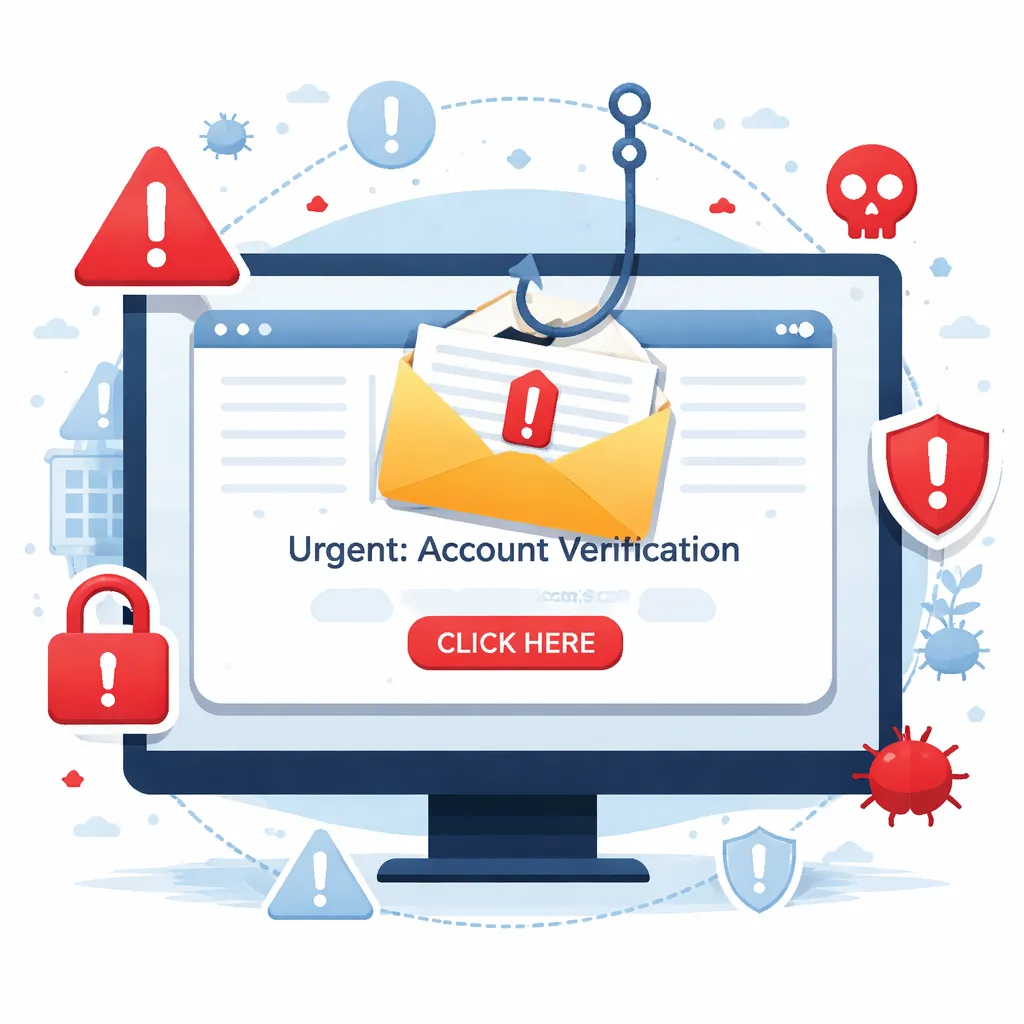
Imagine you receive the following message on your screen. What do you do?
Email & Confidentiality

Our network is critical to our operations. Understanding how to use email properly is your first line of defense.
Personal Email Use
Personal usage of company email is permitted only if:
- It does not negatively impact the corporate computer network.
- It does not negatively impact your job performance.
Knowledge Check: Personal Use
You want to send a quick email to your spouse about dinner plans using your company email. Is this allowed under the Acceptable Use Policy?
Network, Devices & Privacy
The company provides resources to help you do your job. However, accessing and using these resources comes with strict responsibilities to protect our infrastructure.
Click each policy area to reveal the rule:
The "Never Do" List
The following actions constitute unacceptable use. Engaging in them subjects you to disciplinary action, up to and including termination.
Acknowledge the Prohibitions
Click each warning to acknowledge you understand.
Key Takeaways
- Limited Personal Use: Permitted only if it doesn't affect the network or your performance.
- Confidentiality First: Never share confidential data insecurely or with unauthorized parties.
- No Expectation of Privacy: The company monitors network activity and communications.
- Secure Your Devices: Ask Governance before installing software; scan USBs; never bypass security.
- Zero Tolerance: Illegal acts, harassment, and piracy will result in disciplinary action up to termination.
- Report Suspicious Activity: Lost devices, stolen badges, or requests for your password must be reported immediately.
Ready for the Assessment?
You will now be tested on your knowledge of the Acceptable Use Policy.
Click Next to begin.
Question 1
According to the policy, what is the expectation of privacy when using the corporate network?
Question 2
What is required before installing non-company-supplied software on your computer?
Question 3
How does the policy address the use of personal storage media like USB drives?